Så hänger det ihop
Ditt SvenskPlayTV-abonnemang är en spellista (M3U eller Xtream Codes) som du öppnar i en IPTV-app på din enhet. Appen sköter uppspelningen – abonnemanget ger dig kanalerna, filmerna och programguiden.
1. What is Bob Player?
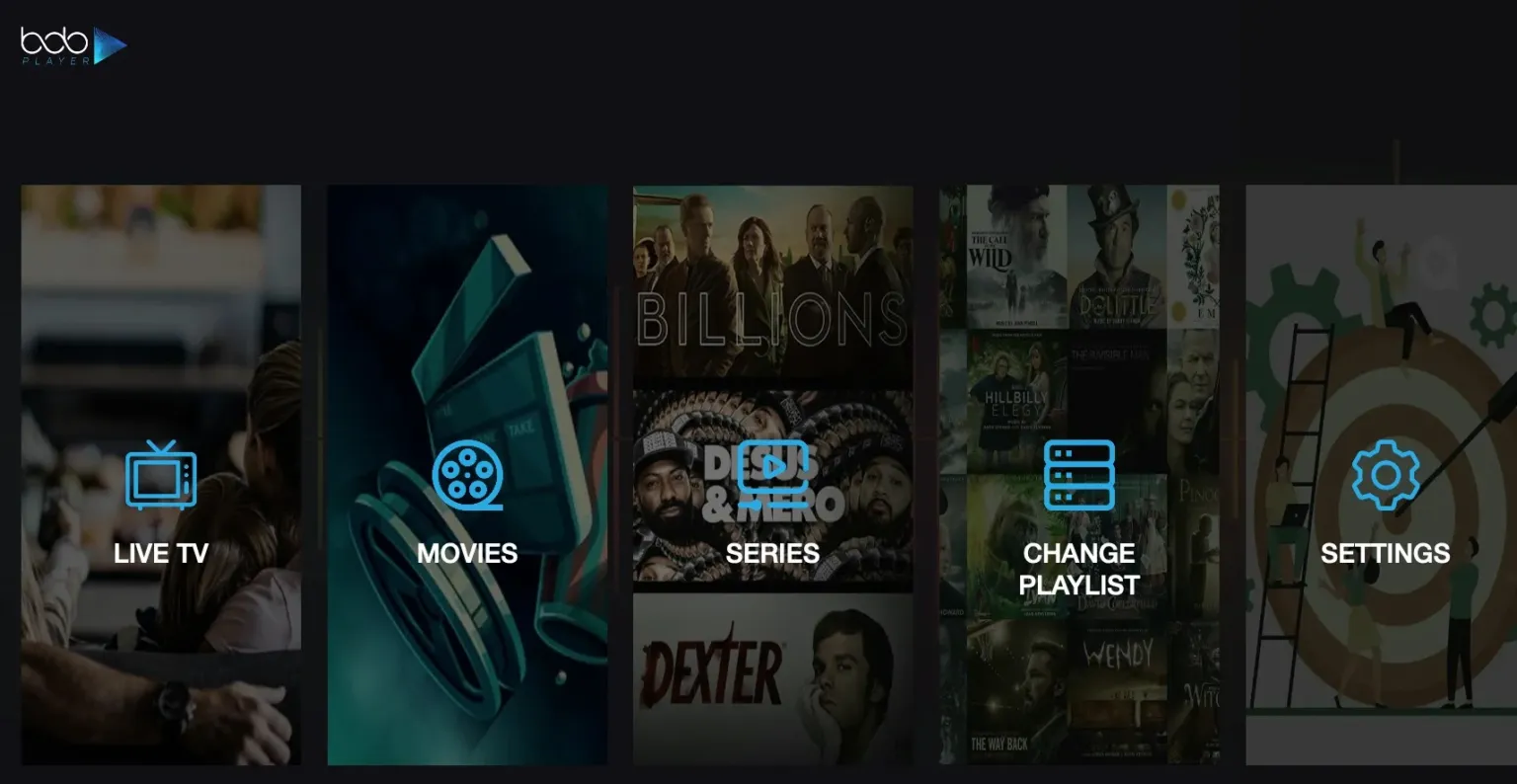
Bob Player is a high-speed, user-friendly IPTV media player known for its responsive streaming engine and extremely clean interface. Developed by the same team that created the renowned IBO Player, Bob Player features a similar structure optimized for high-quality live event feeds, multi-language audio parsing, and automatic subtitle integration.
Paired with a premium IPTV subscription, Bob Player handles large database playlists with ease. Enjoy anti-freeze streaming on Firestick, Smart TVs, Android, iOS, or Roku with zero buffer spikes. This setup guide covers all device-specific methods, the Downloader code 624821 , and the Device ID activation guide.
2. Installation Methods by Streaming Device
Bob Player is compatible with a wide variety of television and mobile platforms. Use the table below to select the appropriate setup method:
Prova gratis i 24 timmar
En gratis testlinje per hushåll, fullt utbud och inget kort krävs. Eller se priserna för 1 och 2 enheter direkt.
3. Firestick Downloader Sideload Steps (Code: 624821)
Sideloading the app installer is the fastest way to get set up on TV systems that do not list the player natively:
Go to Settings → My Fire TV → Developer Options. Turn on "Apps from Unknown Sources" and ensure permissions are toggled on for your file management utilities. (Note: If Developer Options is hidden, navigate to Settings → My Fire TV → About, and click "Device Name" seven times to restore it).
Download the free Downloader utility from the official Amazon App Store. Once installed, launch the utility and accept storage permission prompts so the app can download install files.
Click on the URL entry box on the Downloader home dashboard and enter 624821 . The system will process this code to fetch the latest application package (`https://ibodesk.com/bob.apk`) and automatically begin downloading the APK package.
As soon as the download finishes, a system window will open. Click "Install". After the installation is complete, click "Done" and select the option to delete the installer APK from your storage to save room.
4. Activation Tutorial (Device ID & Key)
The application offers a limited evaluation period. After this trial, a permanent license key must be configured to keep your profile active:
Launch the application on your device. The home layout displays a unique Device ID and Key. Copy these strings exactly as shown.
Provide this Device ID and Key to our technical support team. Our configuration systems will automatically link your purchased premium playlist credentials directly to your profile.
Redo att börja titta? Testa gratis i 24 timmar
En gratis testlinje per hushåll. Betalda abonnemang från $14.98 har 7 dagars nöjd-kund-garanti och aktiveras direkt när betalningen registrerats.