
What is IPTV? How Swedish IPTV works in 2026
IPTV explained in plain English: how the technology works, what you need, how it differs from cable TV and why SvenskPlayTV is a stable choice for Swedish channels and sport.
This guide takes you from an unopened app to a full channel list. Most people finish in under five minutes — and support is there if you get stuck.
Your SvenskPlayTV subscription is a playlist (M3U or Xtream Codes) that you open in an IPTV app on your device. The app handles playback — the subscription supplies the channels, the films and the TV guide.

Have your login details ready and check that the device is connected to the internet.
Open your device's app store and install an IPTV app. Which one suits you best depends on the device.
The full app list per device is on IPTV apps & devices.
One free trial line per household, the full line-up and no card required. Or see prices for 1 and 2 devices right away.
Pick whichever option the app offers. Xtream Codes gives a better guide and faster channel changes; M3U works everywhere.
The most common problems are solved in under a minute.
Stuck? Send a screenshot to support through the contact page and we will walk you through exactly what is left.
One free trial line per household. Paid subscriptions from $14.98 carry a 7-day money-back guarantee and activate the moment payment is registered.
IPTV explained in plain English: how the technology works, what you need, how it differs from cable TV and why SvenskPlayTV is a stable choice for Swedish channels and sport.
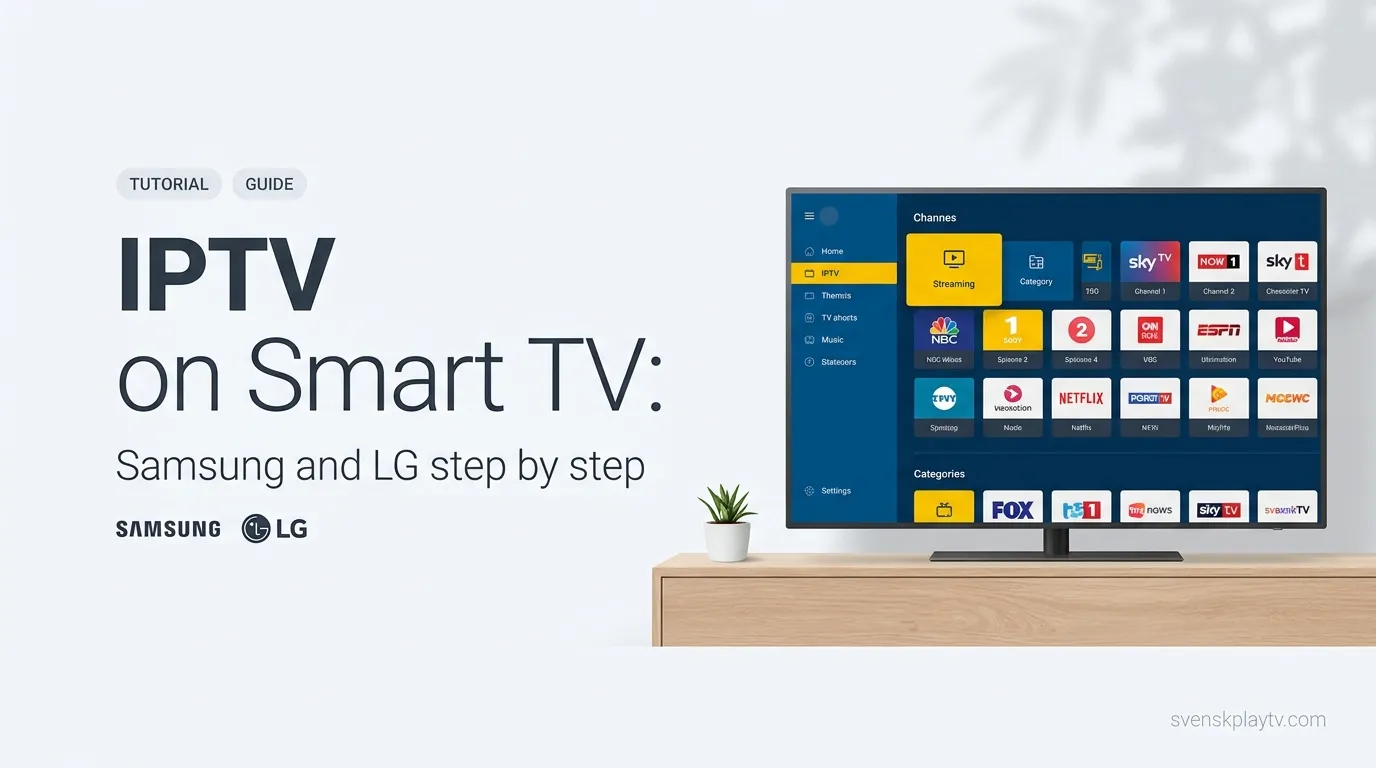
How to install Swedish IPTV on Samsung and LG Smart TVs: the right app, signing in with M3U or Xtream Codes and tips for the best picture.
How to get Swedish IPTV on Apple TV 4K and HD: which app to pick, how to sign in and what to do if the app is missing from the App Store.