

Setup guide: get SvenskPlayTV running in five minutes
The complete Swedish IPTV setup guide: what to have ready, how to install the app and how to sign in with Xtream Codes or M3U.
IPTV means TV delivered over the internet instead of satellite or cable. Here is a simple walkthrough of how it works, what you need to get started and what separates a stable service from a cheap one.
Your SvenskPlayTV subscription is a playlist (M3U or Xtream Codes) that you open in an IPTV app on your device. The app handles playback — the subscription supplies the channels, the films and the TV guide.
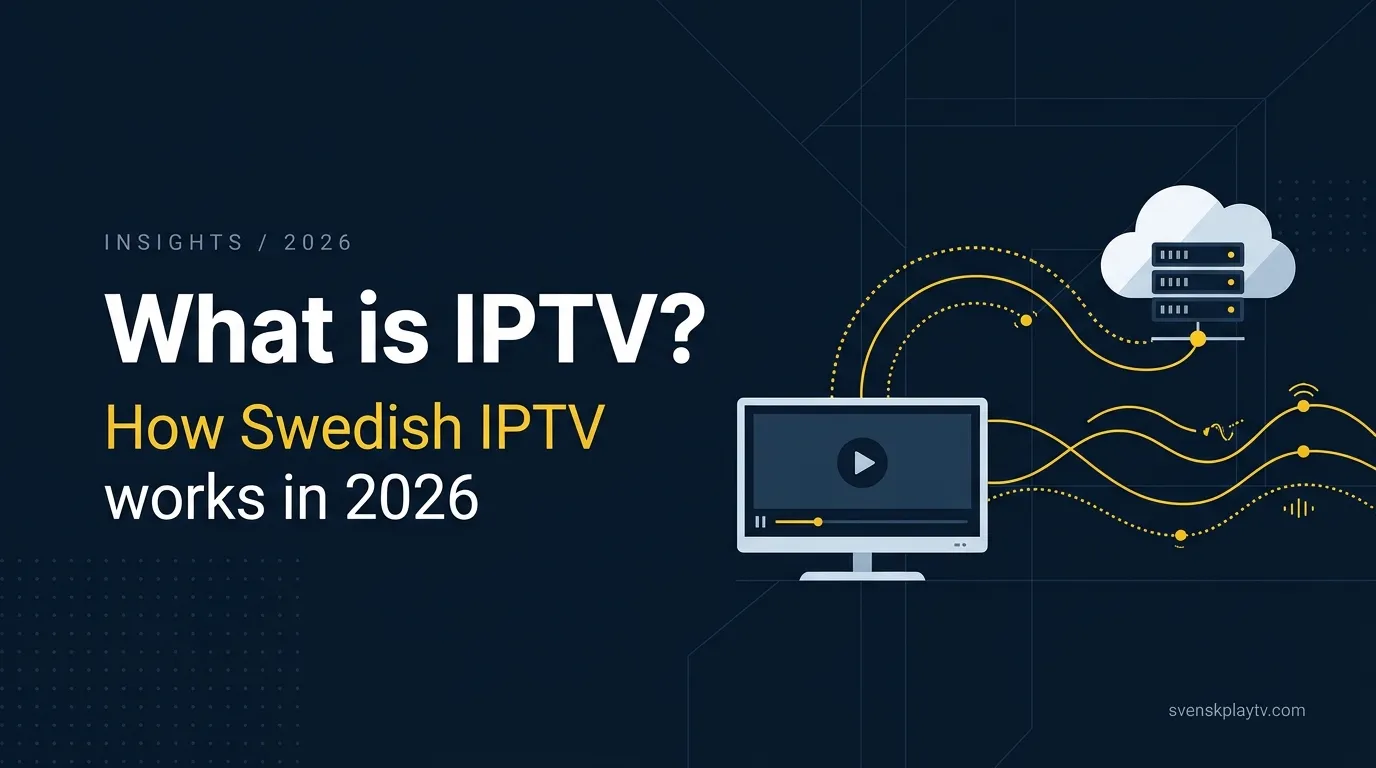
IPTV stands for Internet Protocol Television. Channels are sent as data streams over your broadband connection instead of through a cable-TV provider. For you as a viewer that means you can use the device you already own — a Smart TV, Apple TV, phone or Firestick — and decide yourself when to start and stop.
An IPTV subscription is in practice a playlist of addresses for channels and film libraries. You open the list in an IPTV app, and the app handles playback.
At SvenskPlayTV your welcome email includes both M3U and Xtream Codes, so you can keep using the app you already like.
One free trial line per household, the full line-up and no card required. Or see prices for 1 and 2 devices right away.
You need three things: a device with an IPTV app, an internet connection and a subscription.
Many people assume IPTV needs a special box or an installer at home. It does not. Others assume cheap services are all equivalent — but the difference shows during big matches, when the servers cannot keep up.
Want to test it yourself? Order a free 24-hour IPTV trial and compare it with what you have today.
Not sure which app suits your device? Read our setup guides or ask support — we answer around the clock.
One free trial line per household. Paid subscriptions from $14.98 carry a 7-day money-back guarantee and activate the moment payment is registered.
The complete Swedish IPTV setup guide: what to have ready, how to install the app and how to sign in with Xtream Codes or M3U.
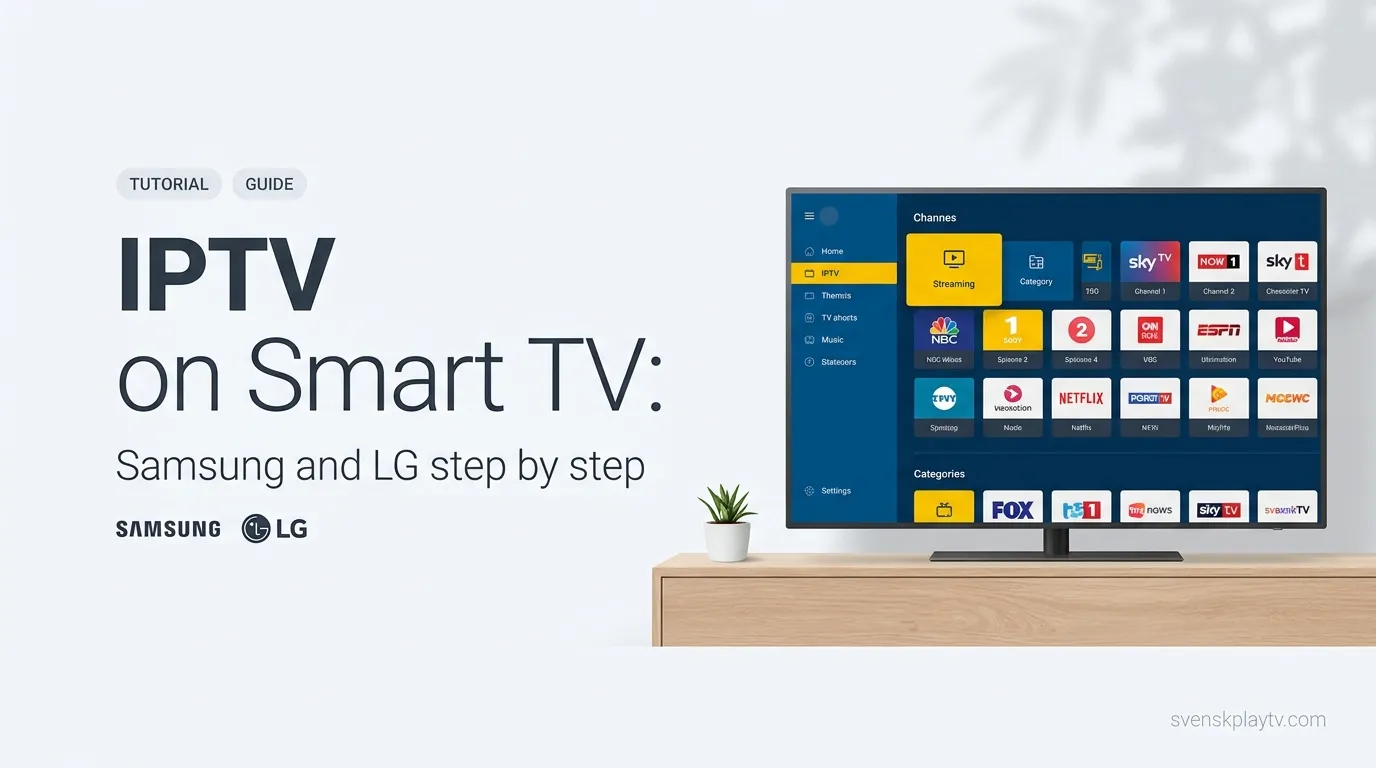
How to install Swedish IPTV on Samsung and LG Smart TVs: the right app, signing in with M3U or Xtream Codes and tips for the best picture.
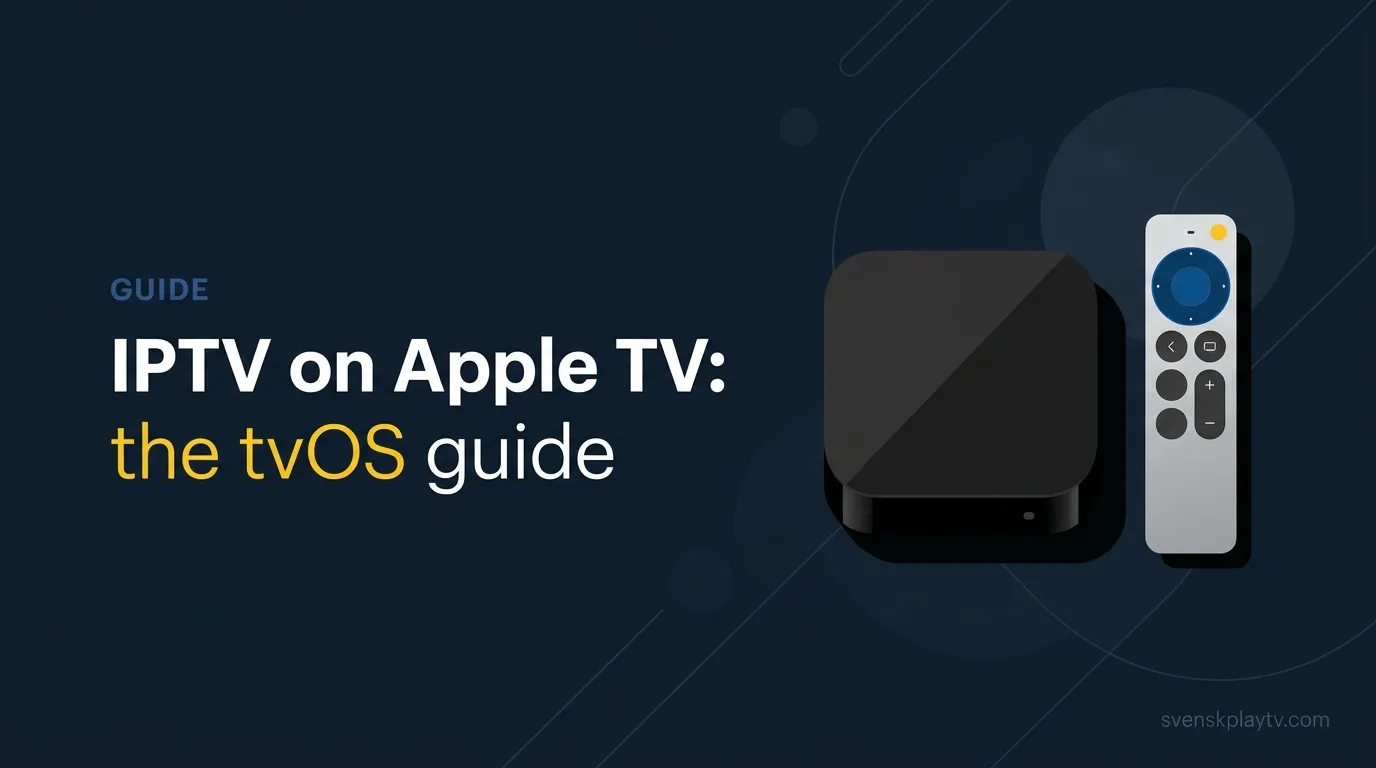
How to get Swedish IPTV on Apple TV 4K and HD: which app to pick, how to sign in and what to do if the app is missing from the App Store.